Get your MPC AA wallet right
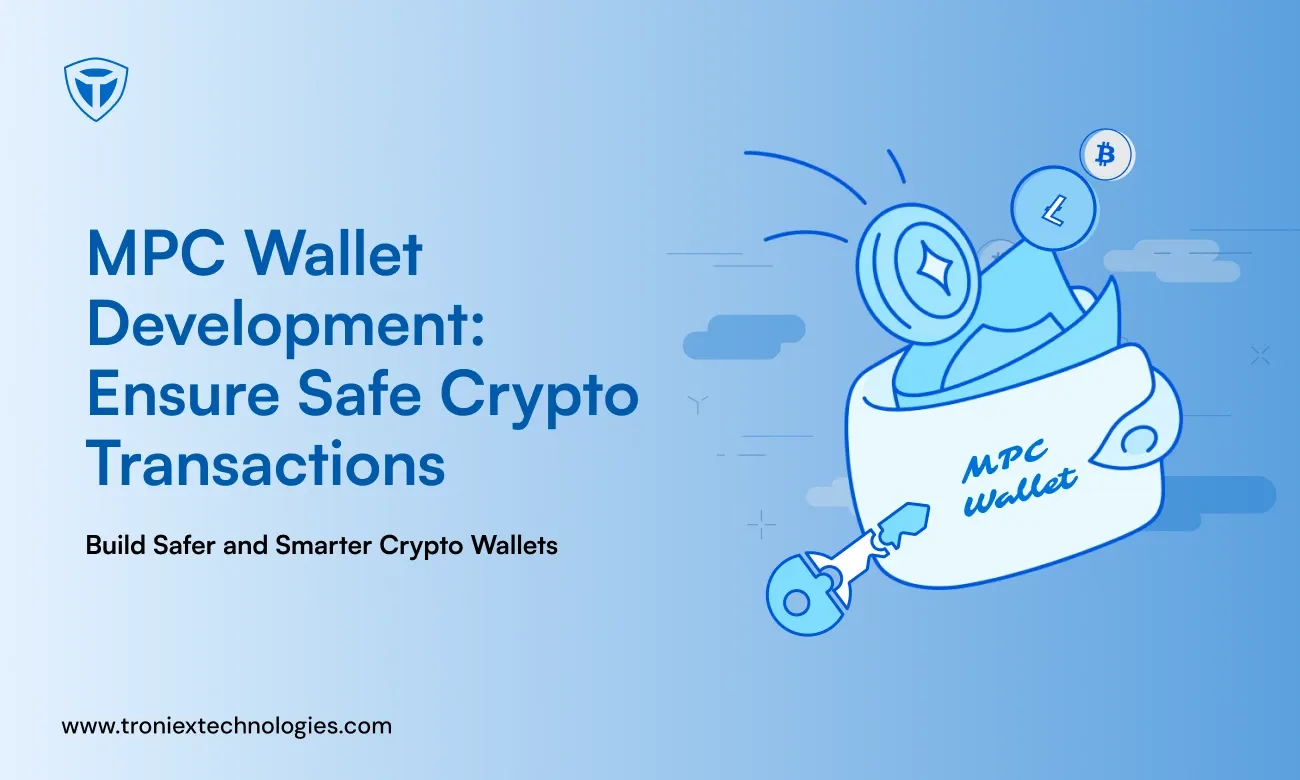
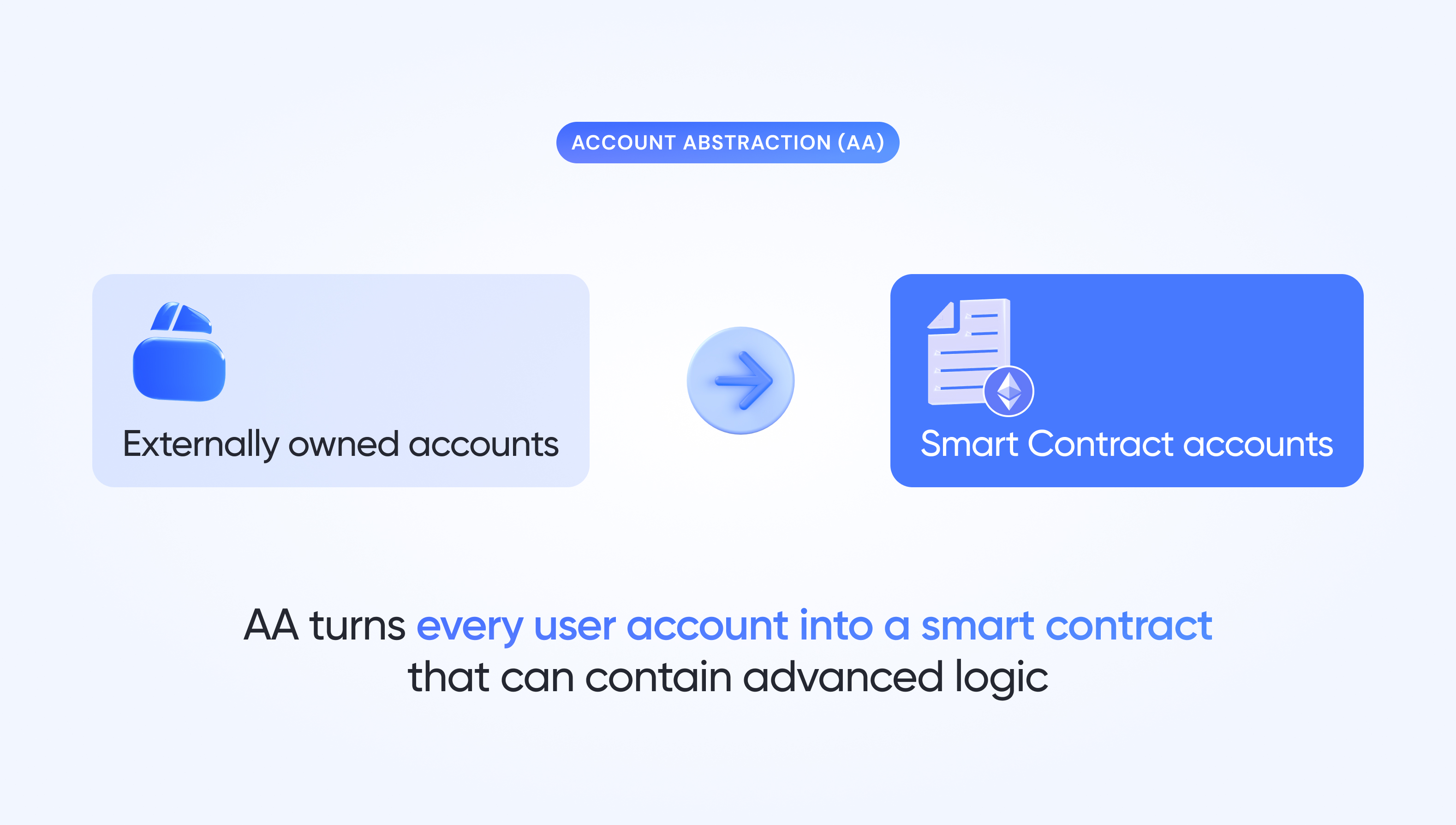
Before you integrate or launch, you need to understand how Multi-Party Computation (MPC) and Account Abstraction (AA) actually work together. This isn't just about security; it's about solving the user experience crisis that has stalled mass adoption. Traditional wallets force users to manage complex seed phrases, while MPC splits the private key into shares distributed across different parties. Account abstraction then allows the wallet to handle gas fees, social recovery, and batch transactions without the user noticing.
The Core Prerequisites
To build a functional MPC AA wallet, you must align three technical layers:
- Key Management: You need a threshold signature scheme (like TSS) to split keys. No single party, including the service provider, ever holds the full private key. This eliminates the "single point of failure" risk.
- Smart Contract Wallets: You must deploy ERC-4337 compatible smart contracts. These contracts act as the wallet, allowing for custom validation logic and sponsored transactions.
- Bundler & Paymaster Infrastructure: You need a reliable bundler to package transactions and a paymaster to cover gas fees on behalf of the user, enabling gasless experiences.
Security vs. ux choices that change the plan
MPC AA wallets offer a middle ground between self-custody and centralized exchanges. Users retain control through their device-based key shares, but the complexity of key recovery is hidden behind familiar email or biometric logins. However, this comes with tradeoffs. You are introducing trust assumptions about the key shard providers. If a provider goes offline or acts maliciously, recovery can be slower than a traditional seed phrase.
Decision Framework
- For Developers: Focus on the SDK integration. Ensure your chosen MPC provider supports ERC-4337 natively.
- For Product Managers: Prioritize the onboarding flow. The goal is to make key management invisible to the end user.
- For Security Auditors: Verify the threshold parameters. A 2-of-3 or 3-of-5 scheme is standard, but ensure the backup shards are stored securely and accessibly.
By getting these prerequisites right, you build a wallet that feels as easy as a Web2 app but operates with the security of Web3.
Work through the steps
MPC AA Wallet works best as a clear sequence: define the constraint, compare the realistic options, test the tradeoff, and choose the path with the fewest hidden costs. That order keeps the advice usable instead of decorative. After each step, pause long enough to check whether the recommendation still fits the reader's actual situation. If it depends on perfect timing, unusual access, or a best-case budget, include a simpler fallback.
Fix common mistakes
MPC AA Wallet troubleshooting should start with a clear boundary: what is actually broken, and what still works normally. Check the display, network connection, paired devices, app access, and recent updates before assuming the whole system needs a reset. A small connection failure can make the main screen feel unreliable even when the core system is fine. Work from low-risk checks to deeper resets. Confirm power state, safe parking, account access, and signal first. Then restart the interface, wait for it to reload completely, and test the original symptom. Avoid changing multiple settings at once because that makes it harder to know which step actually fixed the problem. If the issue affects safety information, repeats after every restart, or appears with warning messages, treat the reset as a temporary diagnostic step rather than the final fix. Document the symptom and move to official support instead of stacking more DIY attempts.
The simplest way to use this section is to keep the setup small, verify each change, and record the stable configuration before adding optional accessories.
Mpc aa wallet: what to check next
These answers address the most common practical objections before you decide on an MPC AA wallet.
No comments yet. Be the first to share your thoughts!